
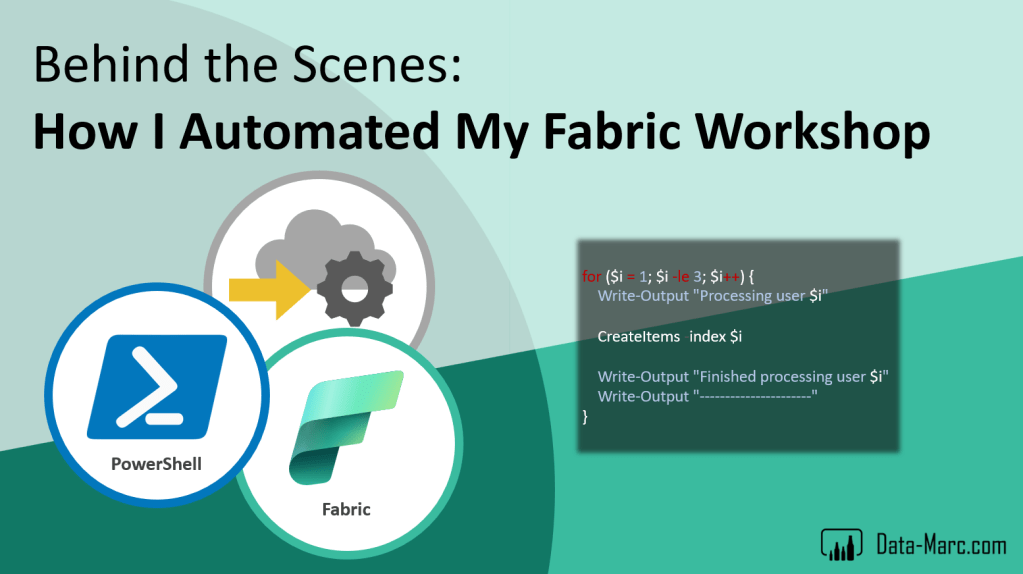
Last week I was running a post-conference (postcon) workshop at Fabric February in Oslo. To have a successful postcon, workspaces were needed for all attendees of the workshop. In these workspaces they had to run their exercises and explore Fabric.
But setting up a bunch of workspaces by hand, assigning it to a capacity and after the postcon removing everything again is a lot of effort. As I’m rather efficient and lazy, I setup some automation to bulk create these workspaces, assign permissions and add to a capacity. Also, a clean-up script is provided to clean up all workspaces afterwards.
This setup is not only useful if you are a trainer or run workshops regularly, but (parts of) the scripts can also be used by Fabric administrators to run tasks in bulk.
Case
Together with my partner in crime, Jeroen (Jay) ter Heerdt, I run a post-conference workshop as part of Fabric February. We run a workshop called “A Report Developer and Data Analyst Guide to Microsoft Fabric” in which we guided Power BI users in the universe of Fabric.
A postcon typically last a full day. But just sitting and listening an entire day will be tiring and boring, so we felt we must include hands-on exercises as well. But we could simply not rely on every attendee having access to some Fabric environment at their employer.
To get things moving, we setup a dedicated tenant in which we created users in bulk, so we have a user account for each attendee of the workshop. Also, we wanted to make sure we prepare a Fabric workspace for them assigned to a Fabric capacity where they can explore Fabric.
Sounds like a lot of manual work to setup for a large group of users! But well, it will probably not be the last time I need something like this. So, I decided to setup some scripts to automate a bunch of tasks using PowerShell and Fabric REST APIs
Prior to training / workshop
- Generate users in bulk (not in script)
- Generate workspace for each user
- Add workspace to capacity
- Add user to capacity
After training / workshop
- Bulk delete all workspaces
As I believe these scripts can be valuable for others as well, I’ve made them available in my GitHub for reuse by others. The script has in-line descriptions to help you match the setup to your requirements.
Not only for trainers
These scripts are not only useful for setting up training environments, but also for the administrator that wants to create or remove items in bulk. Have a look at the scripts, I’m sure there are parts you can reuse. Also, it’s just a start… much more can be automated obviously! Feel free to contribute to the GitHub repository by opening pull requests and adding more scripts!
 Data - Marc
Dag Marc,
Kun je me zeggen of het mogelijk is om een verzameling bestanden (semantic models en reports) uit een workspace te verwijderen in batch, zonder dat één-voor-één te moeten doen en zonder de hele workspace te verwijderen? Ik heb een workspace met ca 1.000 bestanden die ik wil deleten (niet de workspace, wel de bestanden).
Met vriendelijke groet,
Michiel van Straten
Senior Data Analist
LikeLike